
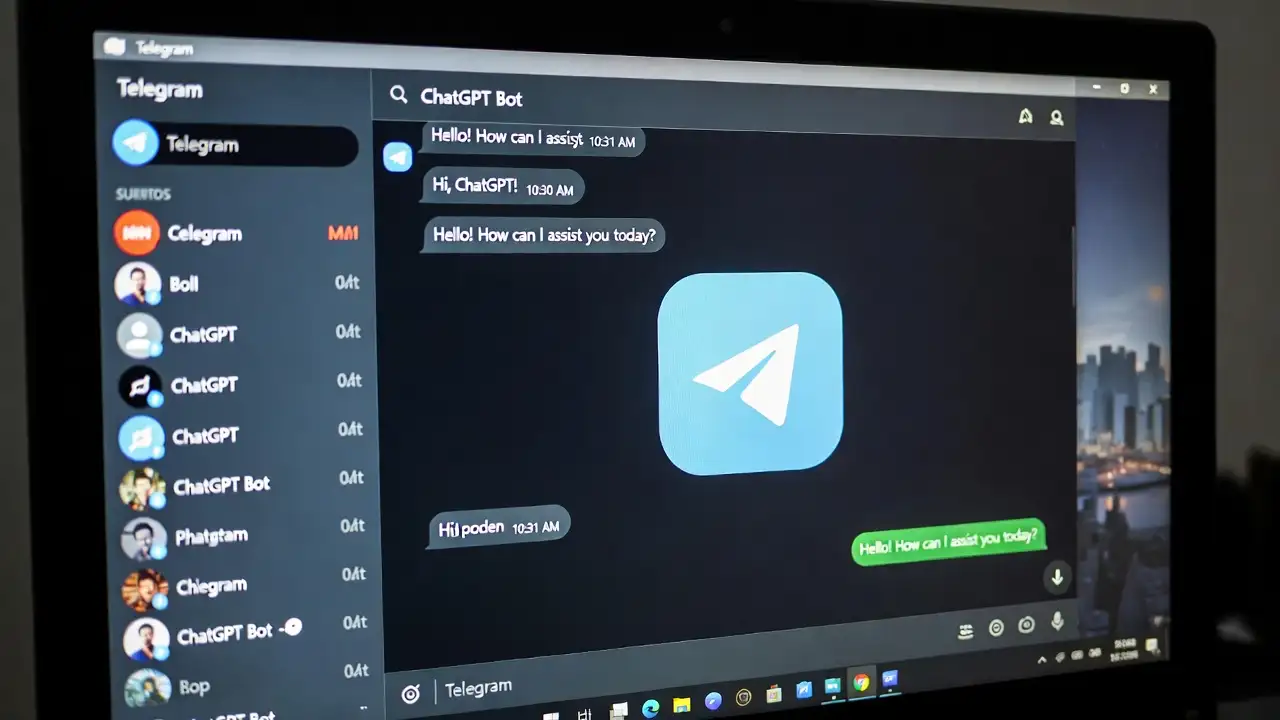
Telegram Bot + ChatGPT = Chatbot cerdas yang jawab pertanyaan 24/7 tanpa perlu server mahal. Bisa buat customer support bot, quiz bot, file converter, reminder, atau apapun yang kamu mau.
Yang terbaik? Biaya minimal (Rp 0-50rb/bulan), deployment mudah, dan bisa langsung live dalam 30 menit.
Kenapa Bot Telegram + ChatGPT?
Keunggulan:
- ✅ 24/7 nonstop – Bot always online
- ✅ Gratis atau sangat murah – OpenAI API hanya $0.15/1M tokens
- ✅ Unlimited users – Telegram handle scaling otomatis
- ✅ Easy deployment – Python/Node.js + Railway gratis
- ✅ Super flexible – Bisa untuk segala use case
Use Cases Populer:
- Customer support bot (auto-reply FAQ)
- Edu-bot dengan quiz dan scoring
- File converter (image, PDF, document)
- Reminder bot (schedule messages)
- Personal assistant (notes, todo, writing)
Persiapan: Setup 10 Menit
Step 1: Buat Telegram Bot
Di Telegram:
- Chat @BotFather
- Kirim /newbot
- Pilih nama bot: “CoffeeBot” (bisa custom)
- Pilih username: “coffeebot_bot” (harus unique dengan _bot ending)
- Copy TOKEN yang dihasilkan
Token terlihat seperti: 123456:ABC-DEF1234ghIkl-zyx57W2v1u123ew11
PENTING: Jangan share token ke orang lain!
Step 2: Get OpenAI API Key
- Buka platform.openai.com
- Login → API Keys menu
- Click “Create new secret key”
- Copy dan save: sk-proj-xxx…
Step 3: Development Tools
Untuk Python (Recommended):
pip install python-telegram-bot openai python-dotenv
Untuk Node.js:
npm install node-telegram-bot-api openai dotenv
Hosting (pilih salah satu):
- Railway (free tier 500 jam/bulan)
- Replit (free dengan resource limits)
- Heroku (free tier sudah discontinued, tapi bisa paid)
Metode 1: Python (Paling Recommended)
Ini metode tercepat dan paling mudah untuk beginner.
File Structure
telegram_bot/
├── .env (simpan secrets)
├── requirements.txt (dependencies)
└── bot.py (main code)
Step 1: .env File
Simpan credentials di .env (jangan di push ke GitHub!):
BOT_TOKEN=123456:ABC-DEF1234ghIkl-zyx57W2v1u123ew11
OPENAI_API_KEY=sk-proj-xxx…
MODEL=gpt-4o-mini
Step 2: requirements.txt
python-telegram-bot==20.7
openai==1.3.7
python-dotenv==1.0.0
Step 3: bot.py (Main Code)
import os
from telegram import Update
from telegram.ext import Application, CommandHandler, MessageHandler, filters, ContextTypes
from openai import OpenAI
from dotenv import load_dotenv
# Load environment variables
load_dotenv()
client = OpenAI(api_key=os.getenv(“OPENAI_API_KEY”))
# Handler untuk /start command
async def start(update: Update, context: ContextTypes.DEFAULT_TYPE):
await update.message.reply_text(
“Halo! 👋 Aku ChatGPT Bot. Tanya apa saja dan aku akan jawab! 🚀”
)
# Handler untuk pesan biasa
async def chatgpt(update: Update, context: ContextTypes.DEFAULT_TYPE):
user_message = update.message.text
# Call OpenAI API
response = client.chat.completions.create(
model=os.getenv(“MODEL”, “gpt-4o-mini”),
messages=[{“role”: “user”, “content”: user_message}]
)
# Extract reply
bot_reply = response.choices[0].message.content
# Send to Telegram
await update.message.reply_text(bot_reply)
# Main function
def main():
app = Application.builder().token(os.getenv(“BOT_TOKEN”)).build()
# Add handlers
app.add_handler(CommandHandler(“start”, start))
app.add_handler(MessageHandler(filters.TEXT & ~filters.COMMAND, chatgpt))
# Start polling
app.run_polling()
if __name__ == “__main__”:
main()
Step 4: Test Local
pip install -r requirements.txt
python bot.py
Di Telegram, kirim /start → bot reply!
Deployment Gratis ke Railway
Step-by-Step Railway Deployment
- Create GitHub Repository
- Upload bot.py, requirements.txt, .env ke GitHub
- Private repo (jangan public, ada secrets!)
- Sign Up Railway
- Buka railway.app
- Sign up dengan GitHub account
- Create New Project
- Click “New Project”
- “Deploy from GitHub repo”
- Select repository
- Set Environment Variables
- Variables tab
- Add: BOT_TOKEN, OPENAI_API_KEY
- Value paste dari .env
- Add Start Command
- Procfile: worker: python bot.py
- Deploy → Live dalam 2 menit!
- Get URL
- Copy Railway app URL
- Set webhook: Buka URL:
https://api.telegram.org/bot[TOKEN]/setWebhook?url=https://your-railway-app.up.railway.app
Free tier: 500 hours/bulan (cukup untuk 24/7 bot!)
Upgrade dengan Fitur Lanjutan
1. Conversation Memory (Bot ingat chat history)
user_context = {} # Store conversation per user
async def chatgpt(update: Update, context: ContextTypes.DEFAULT_TYPE):
user_id = update.effective_user.id
# Get or create conversation history
messages = user_context.get(user_id, [
{“role”: “system”, “content”: “Anda assistant yang helpful.”}
])
# Add new message
messages.append({“role”: “user”, “content”: update.message.text})
# Get response
response = client.chat.completions.create(
model=”gpt-4o-mini”,
messages=messages
)
reply = response.choices[0].message.content
# Store conversation (keep last 10 messages)
messages.append({“role”: “assistant”, “content”: reply})
user_context[user_id] = messages[-10:]
await update.message.reply_text(reply)
2. Rate Limiting (Prevent spam & save cost)
from collections import defaultdict
import time
user_times = defaultdict(list)
def rate_limit(user_id, max_requests=5, window=60):
now = time.time()
user_times[user_id] = [t for t in user_times[user_id]
if now – t < window]
if len(user_times[user_id]) >= max_requests:
return False
user_times[user_id].append(now)
return True
async def chatgpt(update: Update, context: ContextTypes.DEFAULT_TYPE):
user_id = update.effective_user.id
if not rate_limit(user_id):
await update.message.reply_text(
“⏳ Terlalu banyak request. Tunggu 60 detik.”
)
return
# … rest of code
3. Keyboard Buttons (Interactive UI)
from telegram import InlineKeyboardButton, InlineKeyboardMarkup
async def menu(update: Update, context: ContextTypes.DEFAULT_TYPE):
keyboard = [
[InlineKeyboardButton(“❓ Help”, callback_data=’help’)],
[InlineKeyboardButton(“⚙️ Settings”, callback_data=’settings’)],
[InlineKeyboardButton(“📞 Contact”, callback_data=’contact’)]
]
reply_markup = InlineKeyboardMarkup(keyboard)
await update.message.reply_text(
“Pilih menu:”,
reply_markup=reply_markup
)
Tabel: Hosting Options Comparison
| Platform | Free Tier | Monthly Hours | Cold Start | Best For |
| Railway | $5 credits | 500 hours | <2s | ⭐ Recommended |
| Replit | Yes | Unlimited | <5s | Learning |
| Heroku | Deprecated | – | – | Paid only |
| AWS Lambda | 1M requests | Limited | <1s | Serverless |
| Docker + VPS | Custom | Unlimited | Variable | Full control |
Recommendation: Railway – Paling mudah + generous free tier + fast deployment
Contoh Bot Use Cases
1. Customer Support Bot
User: “Berapa jam buka?”
Bot: “Kami buka jam 9 pagi – 9 malam setiap hari”
User: “Ada garansi?”
Bot: “Produk kami garansi 1 tahun. Detail di…”
Implementation: FAQ knowledge base + ChatGPT untuk pertanyaan kompleks
2. Quiz/Edu Bot
/quiz → Random quiz question
User answer → Score + explanation
/stats → Show progress
3. File Converter Bot
User upload image → Bot resize/compress
User upload PDF → Bot extract text
User upload doc → Bot convert format
4. Reminder Bot
/remind “Beli susu” in 5 hours
→ Bot kirim reminder dalam 5 jam
Cost Analysis & Optimization
Biaya Breakdown
| Item | Cost | Notes |
| Telegram Bot | Gratis | Unlimited users |
| OpenAI API | $0.15/1M tokens | GPT-4o-mini |
| Railway Hosting | Gratis | 500 jam/month |
| Database | Gratis/Paid | Opsional |
| Domain | Gratis/Paid | Opsional |
| Monthly Total | $0-$10 | Low traffic |
Cost Optimization Tips
✅ Use GPT-4o-mini (10x lebih murah dari GPT-4) ✅ Set rate limiting (max 5 msg/menit per user) ✅ Cache common responses (reduce API calls) ✅ Batch process requests (combine multiple queries)
Budget untuk 1000 active users:
- ~$50-100/bulan (tergantung message frequency)
- Jauh lebih murah dari hire customer service team!
Troubleshooting Common Issues
| Problem | Solution |
| Bot tidak reply | Check TOKEN di .env, restart bot |
| Webhook timeout | Railway 30s limit, optimize code |
| Token leak | Never commit .env, use environment variables |
| High latency | Use GPT-4o-mini bukan GPT-4 |
| Rate limit error | Add rate limiting, implement queue |
Kesimpulan: Bot Telegram dalam 30 Menit
4 Langkah Sederhana:
- @BotFather → Create bot → Copy TOKEN (5 menit)
- OpenAI API → Get API key (2 menit)
- Python script → Copy kode, update credentials (10 menit)
- Railway → Deploy → Live! (5 menit)
Total: 22 menit dari nol ke bot live!
Action Plan Hari Ini:
- ✅ Chat @BotFather, /newbot
- ✅ Get OpenAI API key di platform.openai.com
- ✅ Copy Python code dari artikel
- ✅ Deploy ke Railway
- ✅ Test di Telegram /start
Biaya: Gratis atau sangat murah ($0-10/bulan)
Kemampuan: Unlimited users, 24/7 online, intelligent responses
Bot Telegram + ChatGPT = Next-level productivity! 🚀